react-native巨坑,相关插件也巨坑,版本更新慢,维护不及时。 我手头使用的是RN目前最新版本0.57.8,以下均为此版本环境下遇到的问题,在解决问题时配合开发调试方法,事半功倍。
我使用的技术栈是:react-native(0.57.8)+ react-navigation + react-redux + ant-design + axios
项目中使用的插件有
- react-native-splash-screen
- react-native-camera
- react-native-image-picker
- react-native-local-barcode-recognizer
安装插件切记:react-native link *
下面是几个开发中阶段遇到的问题及解决方法。 原生问题可以从rn论坛找,插件问题从GitHub上的issue找
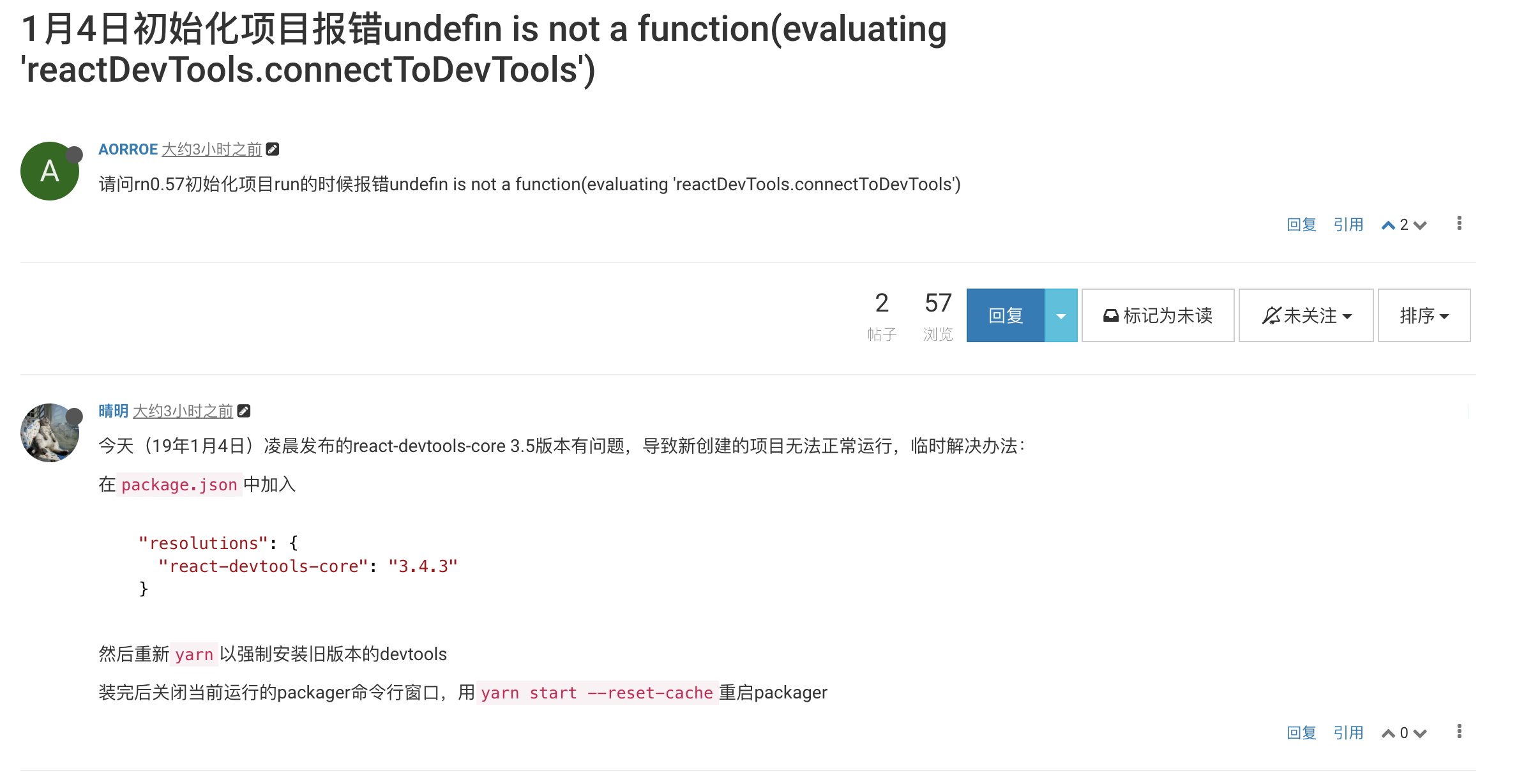
1.初始化
- 初始化运行失败,一般是环境问题,还有可能是RN版本问题
1
2
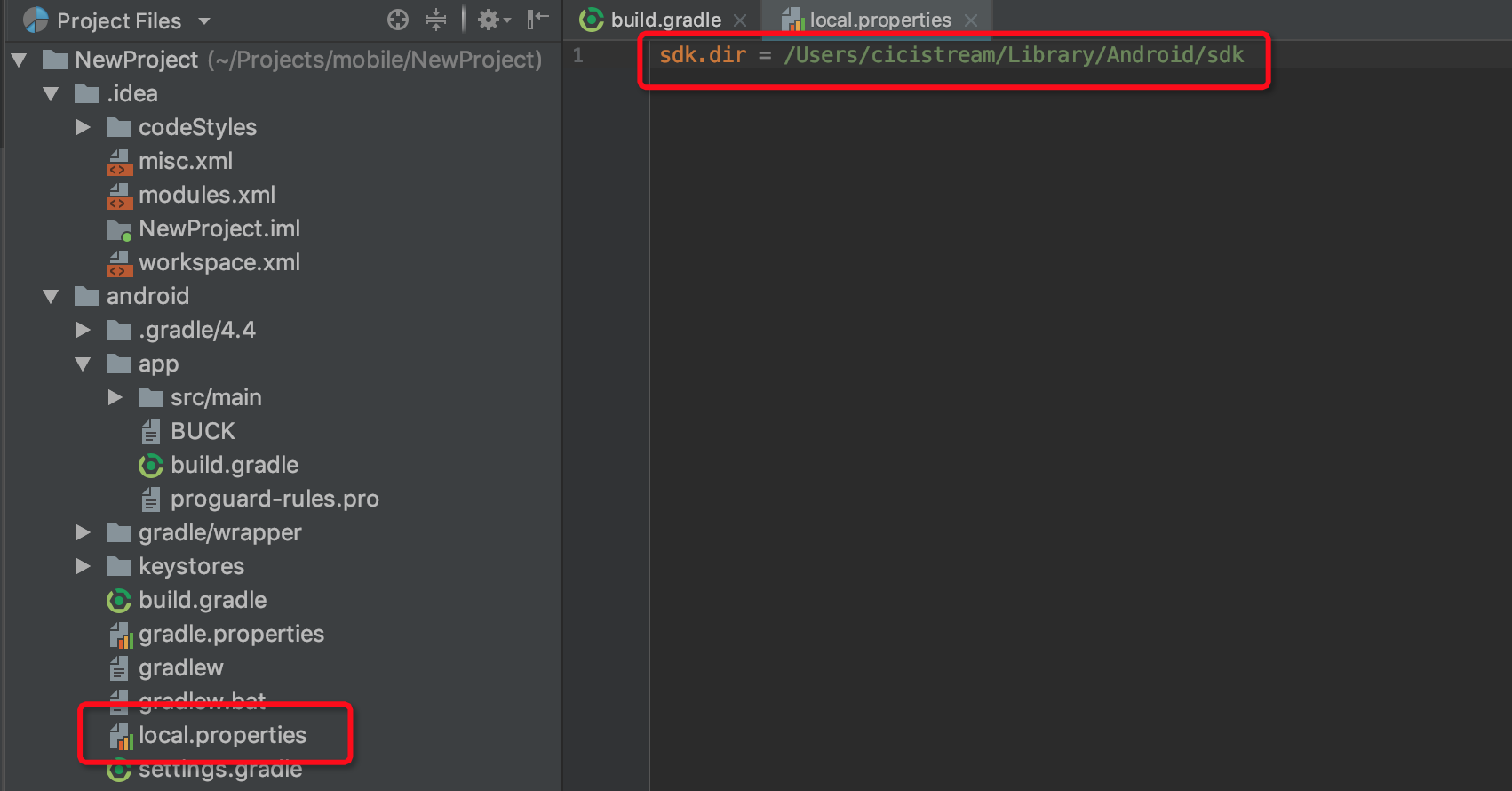
A problem occurred configuring project ':app'.
SDK location not found. Define location with sdk.dir in the local.properties file or with an ANDROID_HOME environment
- A problem occurred configuring project ‘:app’.
SDK location not found. Define location with sdk.dir in the local.properties file or with an ANDROID_HOME environment
2.开发过程
- 绝对定位元素被键盘顶起
打开android工程,在AndroidManifest.xml中配置如下:1
android:windowSoftInputMode=“stateAlwaysHidden|adjustPan”
- StatusBar 主题污染
1
2
3
4
5
6
7
8
componentDidMount() {
 this._navListener = this.props.navigation.addListener('didFocus', () => {
   StatusBar.setBarStyle('dark-content');
 });
  }
  componentWillUnmount() {
 this._navListener.remove();
  }
- React Native Text截断
显示数字加粗后最后一位无法显示问题,添加1
fontFamily: 'System'
-
使用Button进行路由跳转时报错
这个错误一般只在开启Debug JS Remotely时出现,可以通过使用TouchableOpacity包裹或替换解决 - 使用react-native-camera插件的页面二次进入黑屏
通过focusedScreen的true/false来显示RNcamera组件1 2 3 4 5 6 7 8 9
componentDidMount() { const { navigation } = this.props; navigation.addListener('willFocus', () => this.setState({ focusedScreen: true }) ); navigation.addListener('willBlur', () => this.setState({ focusedScreen: false }) ); }
-
React-Native的样式与web有所不同
具体的样式指南参看React-Native 样式指南 - to be continue